
Two Apps, One Brand
When people search for Genting Casino Manchester City Centre app download, they usually mean one of two different products. Both sit under the same Genting brand, but they are built for quite separate things.
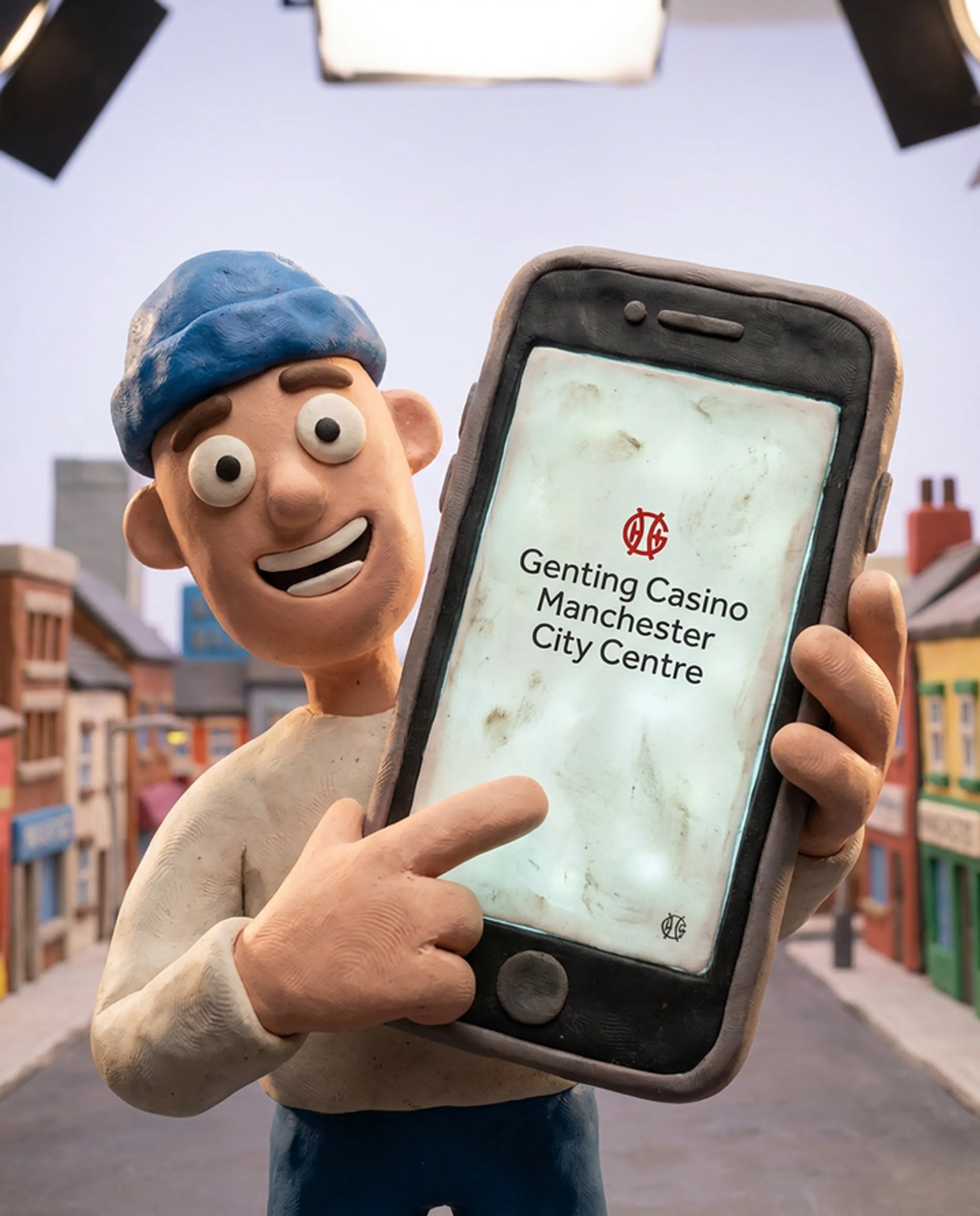
The first one is called My Genting. My Genting is the rewards and loyalty app from Genting Casinos UK Limited, designed for use at land-based Genting casino venues such as Genting Casino Manchester City Centre at 110 Portland Street, Manchester, M1 4RL. The second is Genting Casino: Real Money, an online casino app from Skill on Net Ltd, which lists UK Gambling Commission account number 39326 in the store description. Each app is free to download on Android and iOS devices.
If you have just been in the Portland Street casino and now want to check your points balance, see what events are coming up or look at offers, then My Genting is what you are really after. If you prefer to spin slots or join live roulette without leaving the sofa, you are looking for Genting Casino: Real Money. Same logo, separate products, and they do not replace each other.
| App | Publisher | Platform | Licence |
|---|---|---|---|
| My Genting | Genting Casinos UK Limited | Android, iOS | Genting Casinos UK (land-based) |
| Genting Casino: Real Money | Skill on Net Ltd | Android, iOS | UKGC account 39326 |
When you install on Android for the first time, do pause and check the publisher name on the store page before you press install. There are a couple of apps with similar names out there and it is surprisingly easy to tap the wrong one by accident.
How to Get the Apps on Your Device
To add My Genting on an Android phone, open Google Play and type “My Genting” in the search bar. The app you need will show Genting Casinos UK LIMITED as the publisher. Once you see that name, hit Install and the download normally finishes in a few seconds on a standard UK connection.
On an iPhone or iPad, you follow roughly the same idea. Open the App Store, search “My Genting”, then look for the entry from Genting Casinos UK Limited. Tap Get, confirm with your Apple ID if needed, and the app will appear on your home screen shortly after.
Genting Casino: Real Money is pulled down in a very similar way but with slightly different details. For Android phones, go into Google Play and search for “Genting Casino”. The correct casino app shows with package name com.gentingcasino.www inside the store listing. Install it from there. On iOS, search “Genting Casino: Real Money” in the App Store and tap Get to start the download. When the app finishes installing, open it, then register or log in, add funds, and move into the game lobby.
Setting Up My Genting After Download
After installing My Genting, open the app and complete the setup:
- Tap the registration button in the app home screen.
- Enter your personal details as requested and confirm your email through the message we send.
- Sign in again, then use the casino finder to select Genting Casino Manchester as your venue.
- Turn on push notifications so that venue-specific offers, event reminders and key updates can reach you.
- If you plan to use top-up, go into the top-up area in the app and load funds onto your account.
- Check the badges, ongoing challenges, and any live promotions before you head back to the casino.
- When you arrive at 110 Portland Street, redeem the eligible offers that show as active in your profile.
Inside the app you can see what is happening at the Manchester site, from promotions through to general venue activity, and you have a clear view of your loyalty points from previous visits. In real use, My Genting works best for regular visitors, because more check-ins and redemptions feed into how relevant the offers, badges and challenges feel over time.
Setting Up Genting Casino: Real Money
Genting Casino: Real Money is our remote gambling product; it is separate from simply visiting Portland Street. You use it to play real-money casino games on your phone or tablet, wherever you are located in the UK.
After the app has finished installing, open it and start the registration flow:
- Tap Register on the first screen to create a new profile.
- Type in your name, date of birth, home address and contact details, matching them to your official documents.
- Complete any identity checks that appear during signup, for example document uploads or database checks, so that we can verify who you are.
- Navigate to the Deposit area, pick one of the available payment methods and enter the amount you want to add.
- Return to the main lobby where you can browse online slots, blackjack tables, roulette, live dealer tables or jackpot titles.
- Turn your phone to landscape to use the full width of the screen, this improves layout on smaller displays.
- Open the account settings whenever you need to set limits, adjust preferences, or access responsible gambling tools.
Through this app we provide access to over 6,000 online slots and live casino games on your mobile device. One feature that directly connects back to Manchester is the live roulette streamed from Genting Casino Manchester through Authentic Gaming. The live roulette feature streams from Genting Casino Manchester, connecting the digital table to the physical venue.